How SignMaster Works
Creating your perfect digital signature is quick and easy with our simple process.
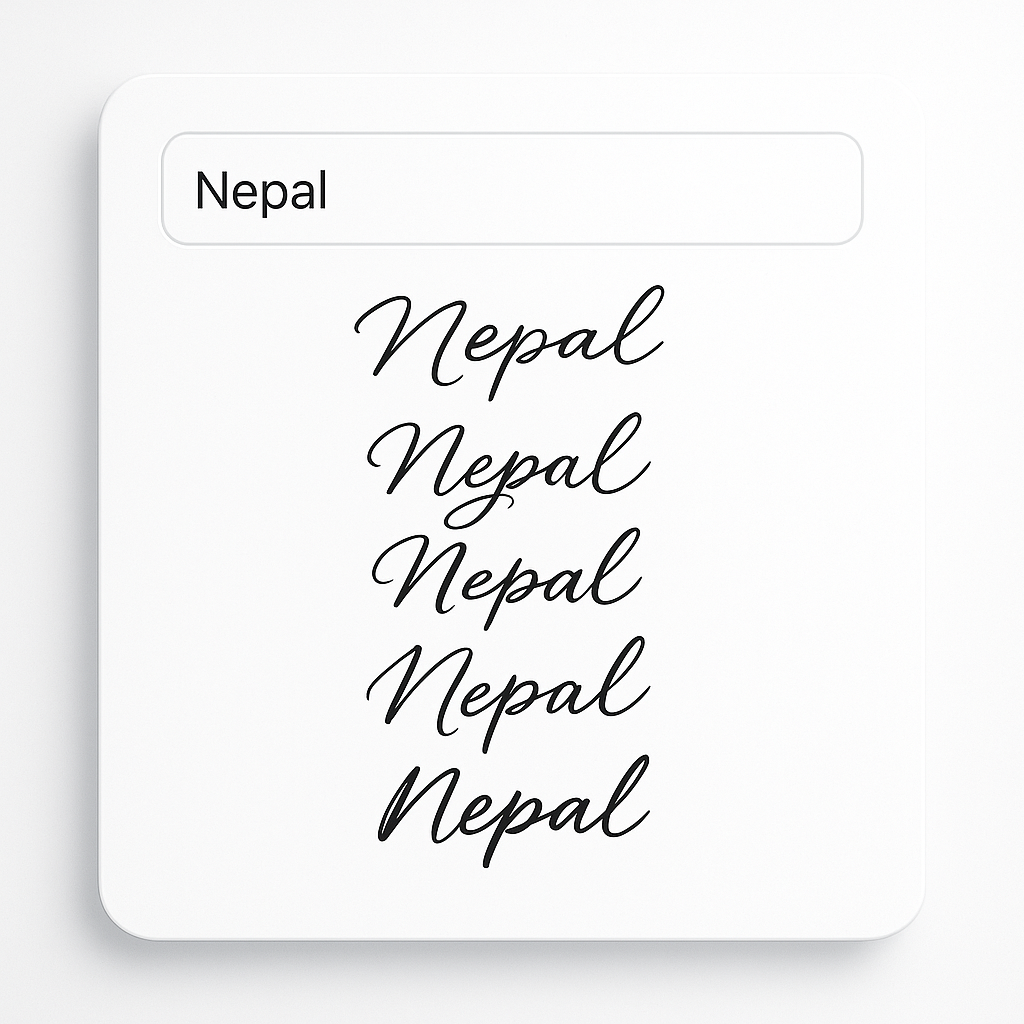
Enter Your Name
Start by typing your name in the input field. This is the text that will be transformed into your signature. You can enter your full name, first name, or any text you'd like to appear in your signature.
As soon as you start typing, SignMaster begins generating signature options for you to preview.
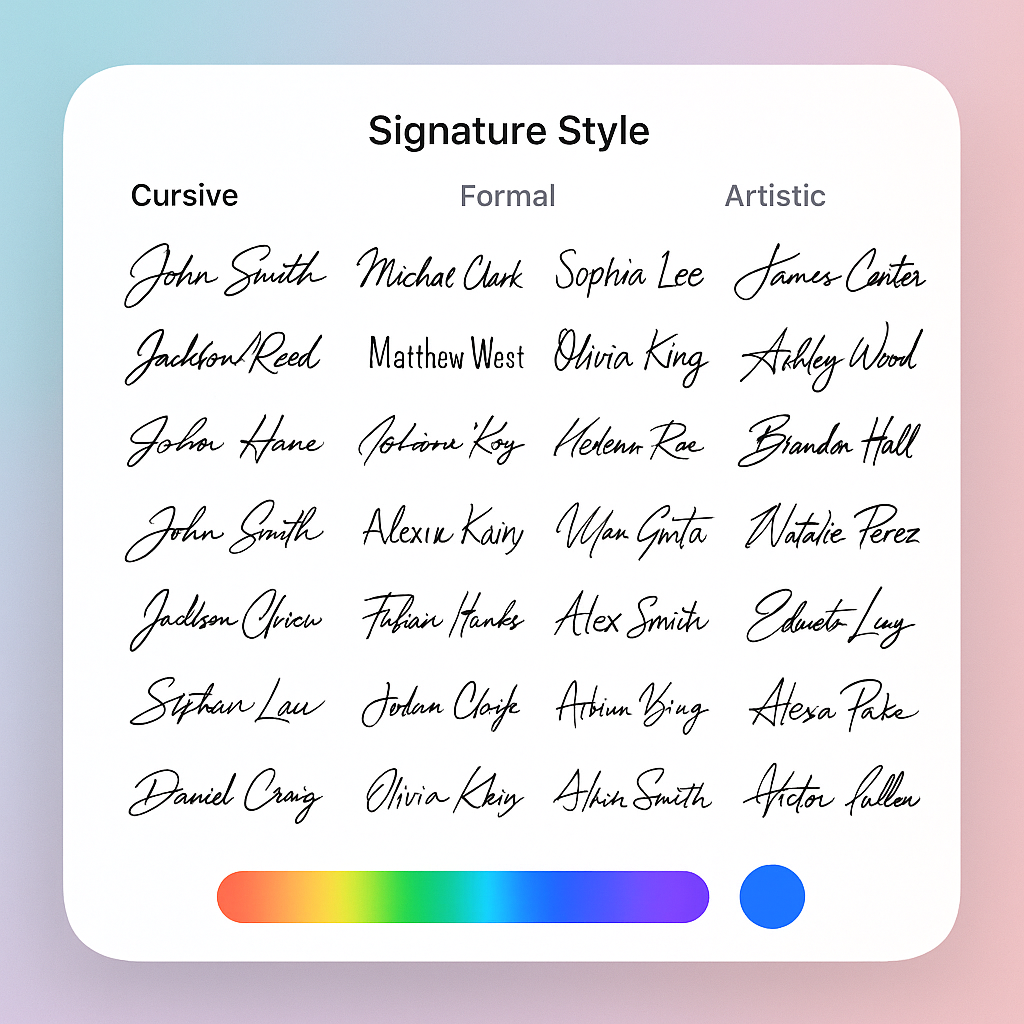
Choose a Signature Style
Browse through our collection of 30+ signature styles. We offer a variety of options categorized as Cursive, Formal, and Artistic to suit different preferences and use cases.
You can also customize the color of your signature to match your brand or personal preference using the color picker.
Preview and Refine
Once you've selected a style, you'll see a preview of your signature. You can view it in full-screen mode to examine the details and use the zoom controls to get a closer look.
If you're not completely satisfied, you can easily go back and try different styles or colors until you find the perfect match.


Download Your Signature
When you're happy with your signature, simply click the "Download PNG" button. Your signature will be downloaded as a high-quality PNG file with a transparent background.
The transparent background makes it easy to place your signature on any document without a white box around it.
Using Your Signature
After downloading your signature, you can use it in various ways:
- •Insert it into PDF documents using Adobe Acrobat or other PDF editors
- •Add it to Word documents, Google Docs, or other text processors
- •Include it in your email signature for a professional touch
- •Use it on online forms and digital contracts
Ready to Create Your Digital Signature?
It only takes a minute to create a professional signature with SignMaster.
Get Started Now